
Turn a photo into a carving
Image in, G-code out.
Upload a photo or any image. ReliefCAM turns it into a 3D relief, plans the cut for your CNC router and writes G-code for your controller. Every G-code file is cut in a simulator before you can download it.
From a photo, the relief is an estimate of depth. You can adjust it in the browser before you cut.
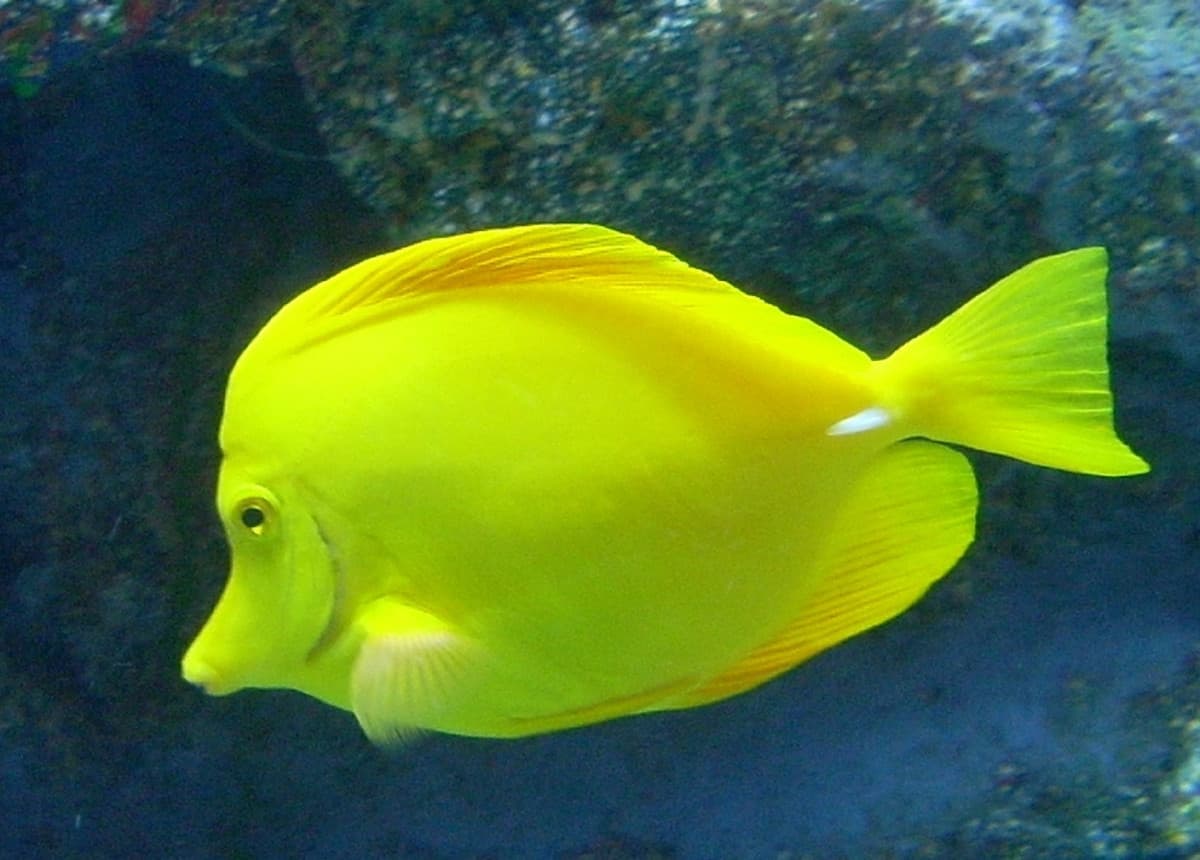
Your photo 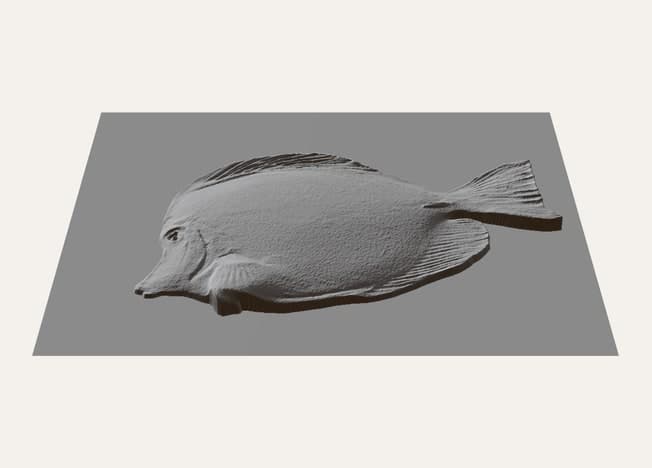
The 3D relief 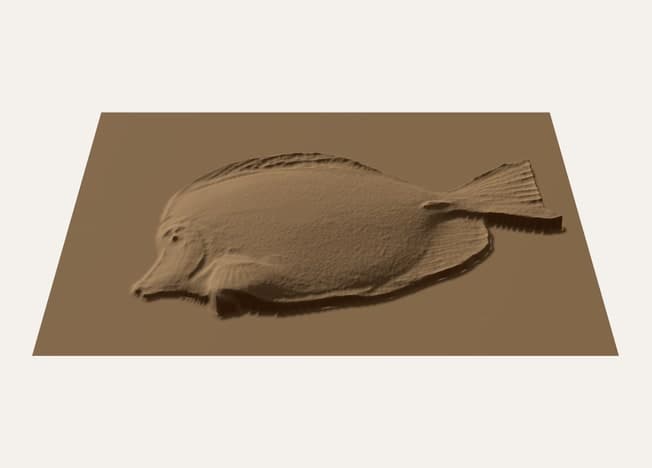
The simulated cutSimulated cut, not a photo of a carving.
Not sure what to carve first?
Start from one of 10 free reliefs. Pick one and it opens as a project, two steps from G-code. Making G-code or an STL from it uses a credit, like any project, and new accounts get 2 free credits.
Browse the free reliefsHow it works
Upload an image
Any PNG, JPEG, TIFF or BMP up to 8192 pixels a side, in colour or black and white. Brightness is height — white is high, black is deep; crop, level and smooth it in the browser.
Describe your machine
Your controller, work area, feeds and tools, saved once. The file follows every limit you set.
Plan the cut
Rough with raster or waterline passes, finish with a raster, cross-hatch, spiral or offset pass, and see it all in 3D.
Generate and check
Every G-code file is simulated against the relief before you can download it. A job that would gouge the work fails and gives its credit back.
Cut in a simulator before it reaches your machine
Every G-code file is cut in a simulator first and compared with the relief you asked for. If the tool would go too deep anywhere, the job fails, there is nothing to download, and your credit comes back. You only pay for files that pass.
The simulator checks the file, not your setup. Zeroing, clamping and fitting the right tool are still yours.
Controllers
G-code written for the controller you run, with its own header, tool changes and number format:
- GRBL
- grblHAL / FluidNC
- Mach3
- Mach4
- LinuxCNC
- Masso
- DDCSV
- RichAuto A11 (not yet tested on a machine)
Pay per job
One credit generates one job, whatever the size of the image. No subscription, and credits never expire. New accounts get 2 free credits.
Loading prices…
Pricing detailsQuestions
What image do I need?
Any image works, because brightness becomes height: white is high, black is deep. Images made for carving give the best result — many relief designs are sold or shared that way, and most 3D and sculpting tools can export one. A photo can go two ways: carved as it is, as light and shade, or turned into a relief first (see the next question).
Can I use a colour photo?
Yes, in two ways. Choose “Create a relief from a photo” and we estimate the depth of the subject — a face, a pet, an animal — and turn it into a relief. It is an AI estimate, not a 3D scan, and it works best with one clear subject on a plain background. Or carve the photo as it is: brightness becomes height, so it carves as light and shade — a dark jumper cut deep, a white wall left high — which can look striking on a portrait with even lighting and strong contrast. Either way, the 3D preview shows exactly what will be carved before you spend a credit.
Which machines does it support?
Any 3-axis router running one of the seven controllers above. You enter the work area, feeds and tools of your own machine.
What happens if a job fails?
You get the credit back automatically, whatever the reason — including our own faults. You never pay for a file you cannot use.
What if my piece is bigger than my machine?
ReliefCAM splits it into tiles that each fit your work area, with the files to cut them one after another.
Is my work private?
Your images and files are stored privately and only you can download them. Generated files are kept for 90 days.